Powerful hosting at low prices
Domain, website and e-mail for all
€0.53/mo. the first year.
Renewal: €7/mo

5 out of 5 stars on Trustpilot
More than 200.000 customers

5 out of 5 stars on Trustpilot
.us
Register: €10
Renew: €12/year
.com
Register: €2.02
Renew: €17/year
.nu
Register: €12
Renew: €22/year
.eu
Register: €10
Renew: €13/year
Make it
easy
Meet Peter and Thomas, the founders of myselfie.
1 out of 500.000+ hosted solutions at Simply.com
1 out of 500.000+ hosted solutions at Simply.com
200.000+
happy customers 



Created by geeks
99.99%
up-time and daily backup
PHP OPcache
With OPcache for PHP the server puts rocket-speed on your website - automatically.
SSH to your web space
Run commands on your web space - exactly as if you had your own server.
DDoS-protection
We protect our network against DDoS-attacks, so you get maximum up-time.
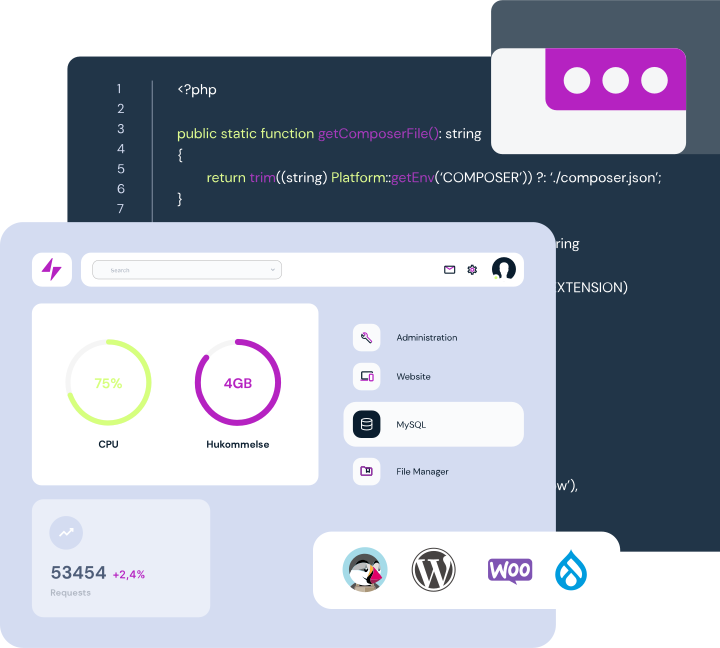
World-class self-service
A control panel that puts you in control. No PHP-versioning or blocked MySQL here.







Tim Holmvard
Support Manager
Average response time of only 1s
Our support has had your back since 2004
5 out of 5 stars on Trustpilot
Packages for everyone
Get your
web space now
Basic Suite
For the simple needs
€0.53/mo
first year
€7/mo
at renewal
- 10 GB server space
- 2 GB space per mail account
- 512 MB RAM
- Associate all the domains you want
- Free and unlimited traffic
- PHP or ASP.NET/.NET Core
- WordPress tools
- Quick help via support form/ticket
Popular
Standard Suite
For most needs
€0.53/mo
first year
€11/mo
at renewal
- 20 GB server space
- 8 GB space per mail account
- 1024 MB RAM
- Associate all the domains you want
- Free and unlimited traffic
- PHP or ASP.NET/.NET Core
- WordPress tools
- Quick help via support form/ticket
Pro Suite
For webshops and large websites
€3/mo
first year
€15/mo
at renewal
- 100 GB server space
- 16 GB space per mail account
- 1536 MB RAM
- Associate all the domains you want
- Free and unlimited traffic
- PHP or ASP.NET/.NET Core
- WordPress tools
- Quick help via support form/ticket
- Phone support included
